The 3D photo app for Android
Every photo.
In real 3D.
Flat photos stay flat — unless you split them for two eyes. 3D Cam does it with one tap, live on your phone, from anaglyph to stereogram.


- Free
- Photos stay on your device
- 10 languages
Coming to iPhone soon.
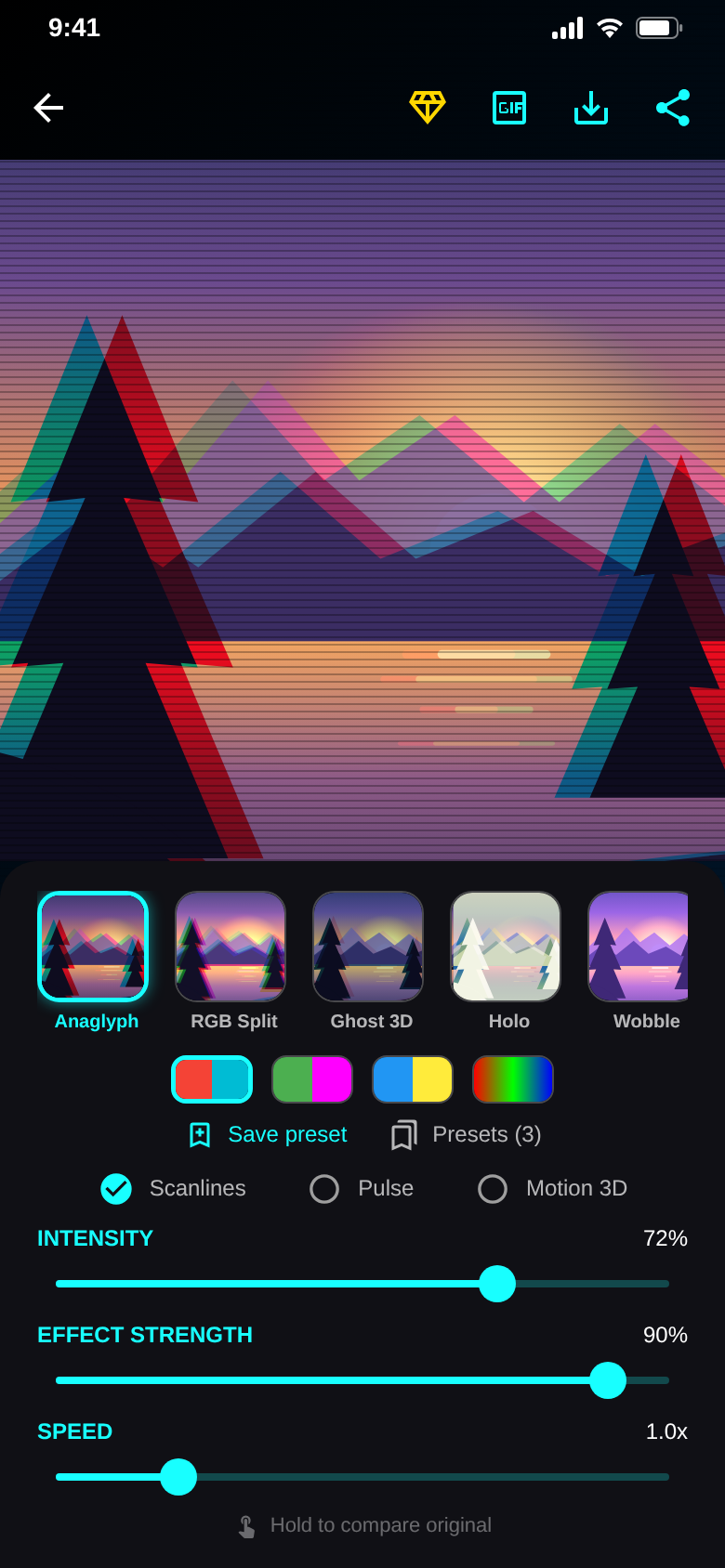
Motion 3D
Tilt the phone. The depth follows.
Eight live filters react to the motion sensor. Anaglyph, RGB-Split, Ghost 3D and more move with every tilt.
Intensity, effect strength, tempo and tilt are adjustable. Hold to compare with the original.
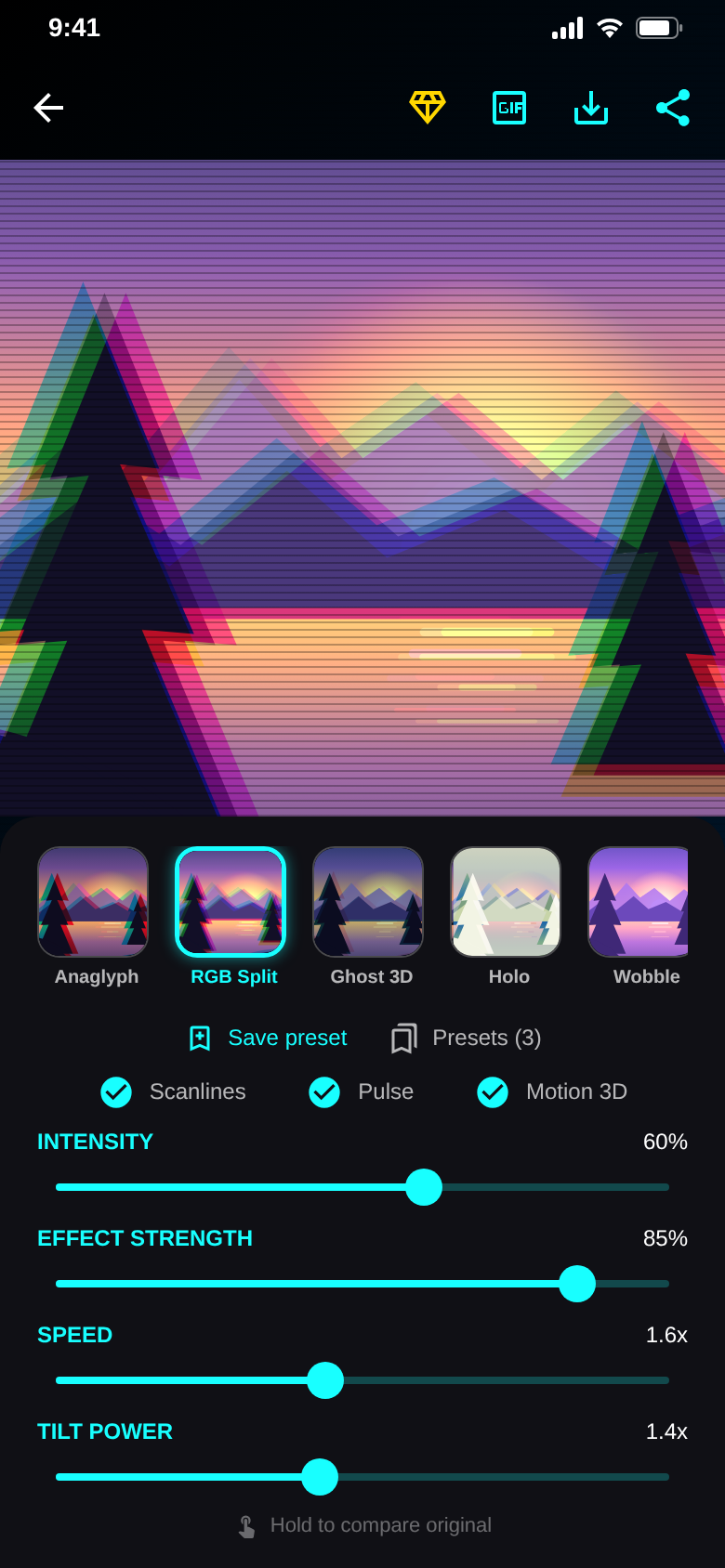
No glasses
3D that works without glasses.
Wiggle switches quickly between two viewpoints, so your brain sees depth. Side-by-side, parallel and cross-eyed views are built in.
Export as GIF and share it anywhere.
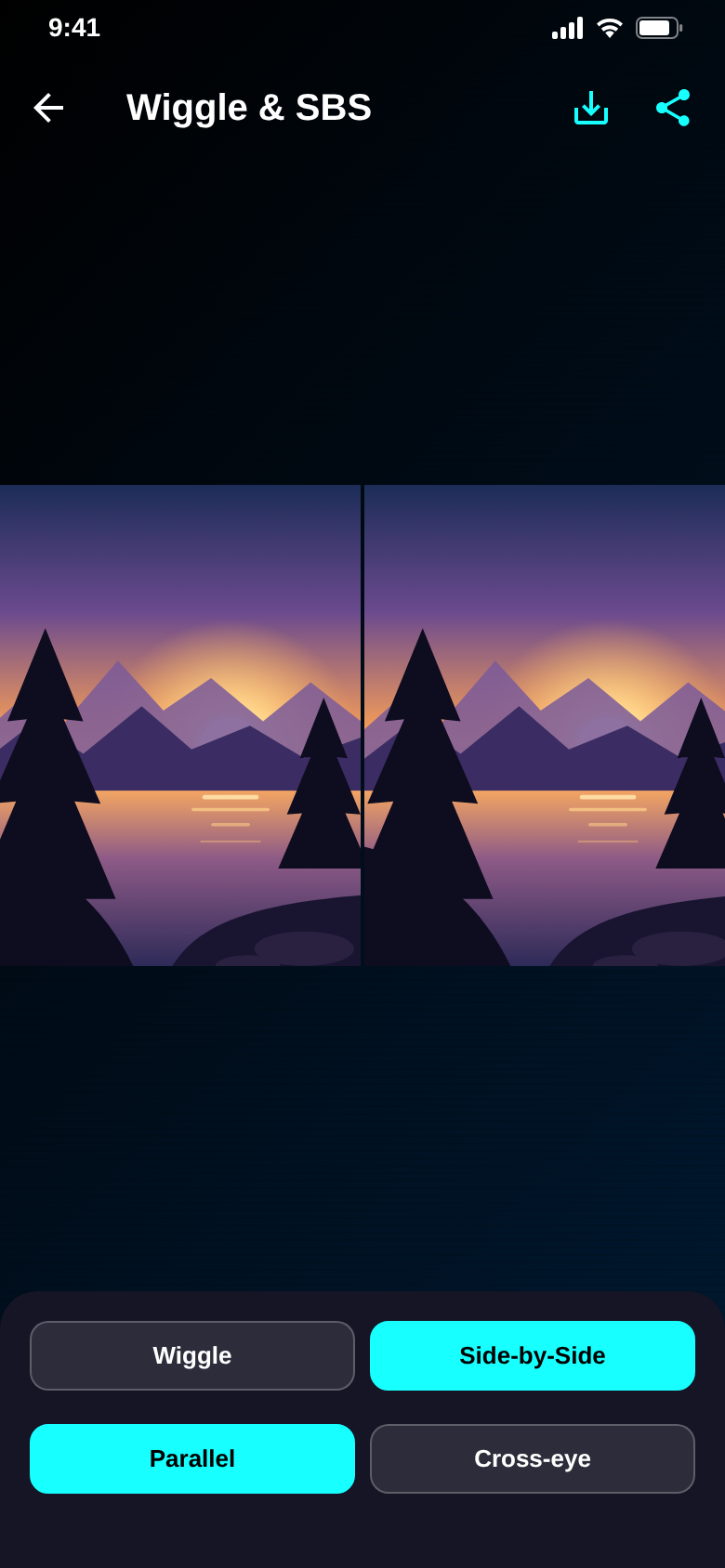
Your eyes never see the same picture.
That is where depth comes from.
3D Cam turns that trick into a photo.
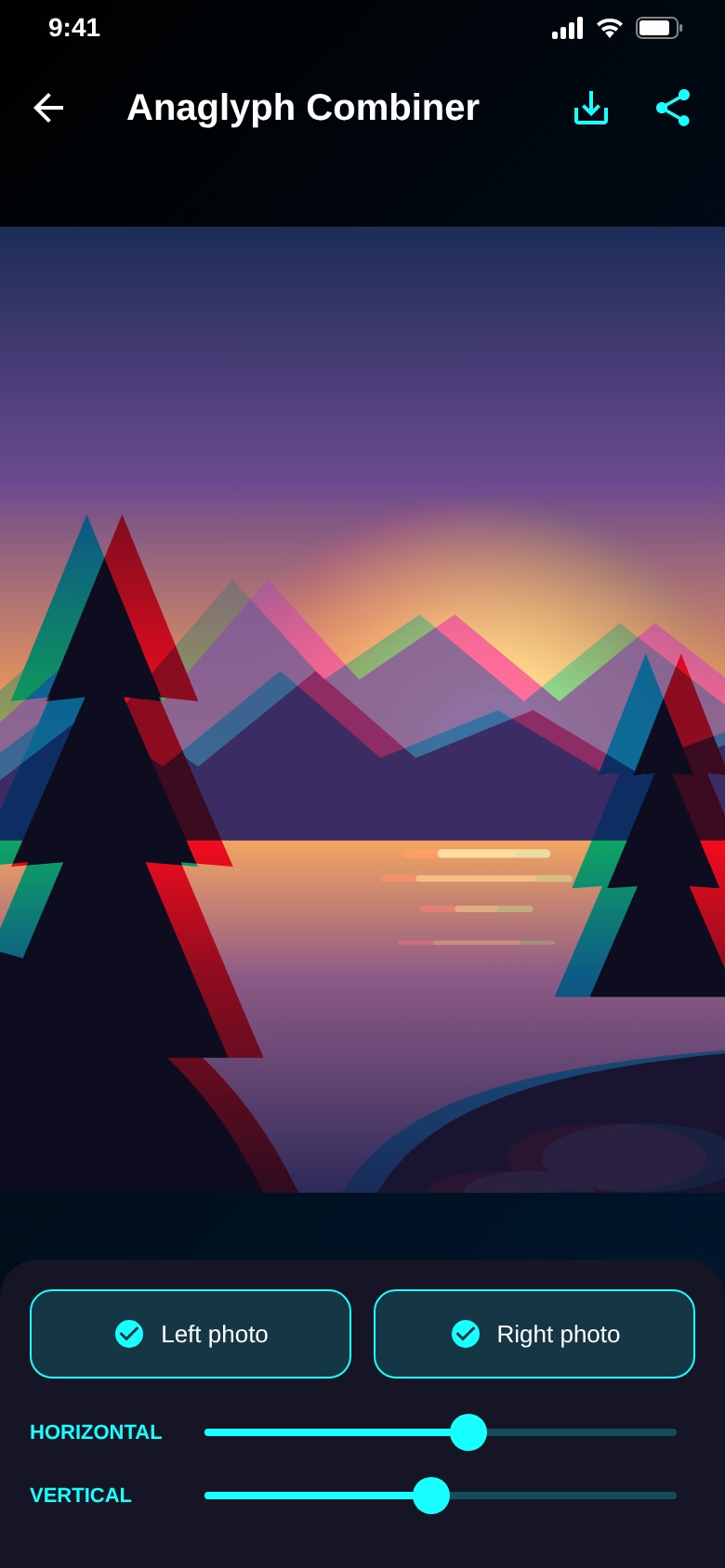
Real stereoscopy
Two photos. One 3D image.
The Anaglyph Combiner merges a left and a right shot into true red/cyan 3D, aligned horizontally and vertically.
No second camera? The Cha-Cha capture guides you with a ghost image.
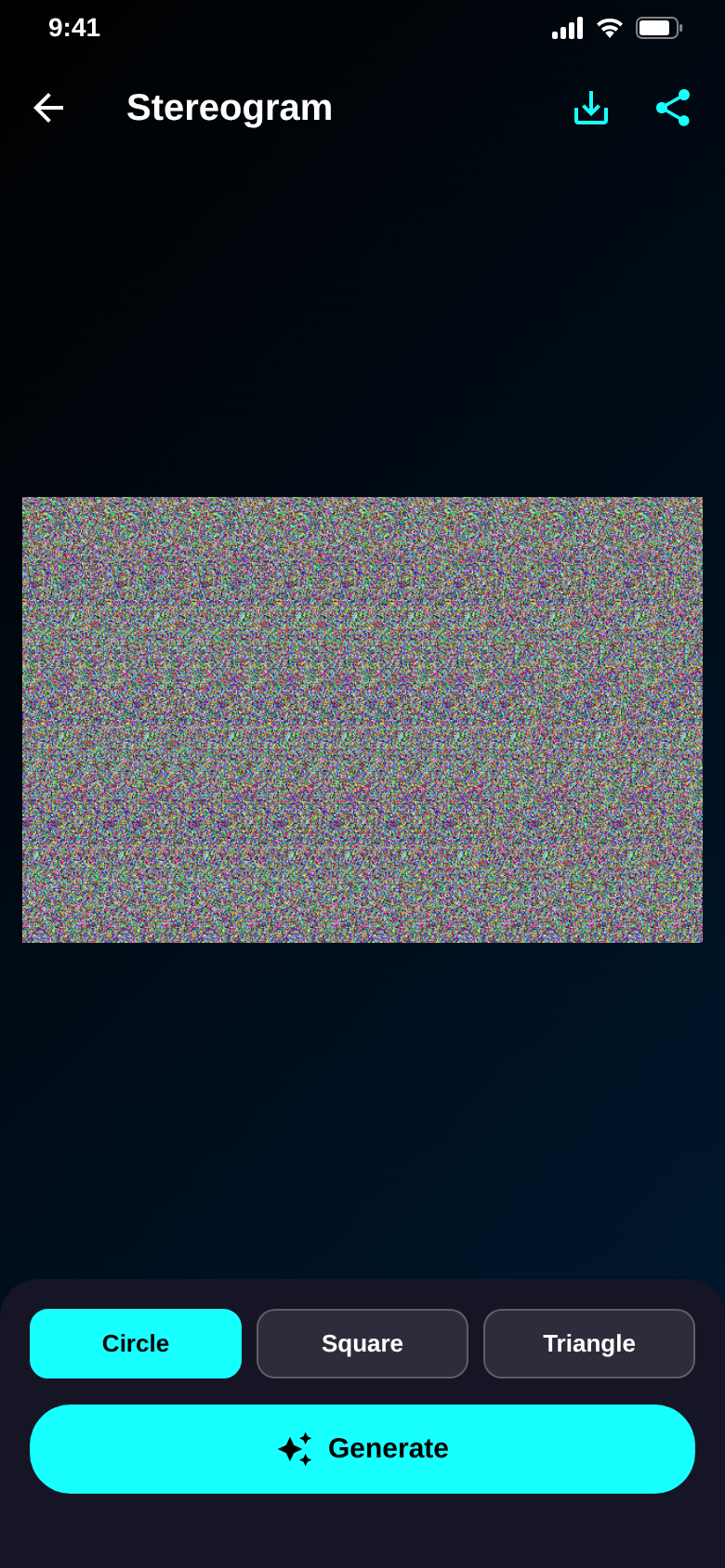
Stereogram
Hidden shapes in the noise.
Create autostereograms you view with relaxed eyes — no glasses, just patience.
Part of 3D Cam Pro.
The difference
3D without the workshop.
- Assembling red/cyan images on a computerAnaglyph with one tap, live on the phone
- Stereo 3D needs two camerasCha-Cha capture with a single camera
- Glasses on the wrong way, effect lostGlasses test checks the colours in seconds
- Piecing together stereoscopy in forums3D Academy with short lessons
- Uploading photos to some online toolEverything happens on your device
And a lot more.
8 filter looks
Anaglyph, RGB-Split, Ghost 3D, Holo, Wobble, Pop-Out, Neon and VHS.
3D glasses test
Red over the left eye? A quick test shows whether your glasses sit right.
3D Academy
How 3D vision works, the history of stereoscopy and anaglyph explained.
Your presets
Save your favourite settings and apply them to the next photo.
GIF & image export
Save to your gallery or share straight away – always in full resolution. Without watermark with Pro.
Ad-free with Pro
Removes ads and the watermark and unlocks the stereogram generator.
Quick questions.
Who is 3D Cam for?
What does 3D Cam cost?
How does 3D Cam make money?
Do I need special glasses?
Which devices are supported?
Do my photos leave the phone?
Which languages does the app speak?
Get 3D Cam.
Pick a photo, tap a filter, put on your glasses. Done.
Free for Android.